

If you are anything like us, you have probably had that moment where your child is on a tablet or phone and you suddenly think, I don’t actually know what they’re seeing right now. As parents of two daughters growing up in a world where screens are part of everyday life, we have learned that relying on default settings simply is not enough.
We are not anti-screen. Screens can be brilliant for learning, relaxing and entertaining them. But without the right parental controls, children can easily stumble into things they are not ready for, or spend far longer online than is healthy.
These are five things we genuinely recommend setting up on your child’s devices. They are simple, practical changes that have made life a lot easier and safer in our home.
Turn on the built-in parental controls
Whether your child uses an iPad, an Android phone, a Chromebook or a games console, every device now comes with parental controls. They are much better than they used to be and only take a few minutes to set up.
On our girls’ devices, we have set age limits for apps, blocked explicit content in search results, and stopped automatic downloads of new apps. We also turned off things like location sharing until they are older.
These built-in controls help you manage things like:
📱 Age-appropriate content
📱 App and game downloads
📱 In-app purchases
📱 Privacy settings
📱 Blocked websites
It is not about spying. It is about giving your child a digital space that is safe for their age.
2.
Set clear screen time limits
We learned early on that ten minutes can easily turn into an hour. Screen time limits stop the endless back and forth about “five more minutes” and mean we are not the bad guys every evening.
What works for us is having different limits depending on the day. Weekdays are shorter, weekends have more flexibility. Our girls know what to expect which has reduced arguments massively.
Most devices now offer decent screen time tools that turn things off automatically. It means we can step back and let the tech handle the timing.
We also learned that timing matters. After school screen time is usually fine. Right before bed is absolutely not.

Make YouTube and YouTube Kids safer
This is a big one because children drift toward YouTube by default. In our house we use both YouTube and YouTube Kids depending on the age and confidence of the child. Here is how we manage the differences.
On YouTube Kids:
📱 Comments are already off
📱 Most adult content is filtered out
📱 You can turn search on or off
📱 You can choose age groups (Preschool, Younger, Older)
📱 You can switch to Approved Content Only where they can only watch videos you select
YouTube Kids is the safer starting point, especially for younger children, but we still check their history now and again because the algorithm is not perfect.
On normal YouTube:
If your child is old enough for the main app, there are extra steps worth taking.
📱 Turn on Restricted Mode
📱 Turn off auto-play if you want more control
📱 Review their watch history
📱 Limit access to Shorts if the videos feel too unpredictable
📱 Turn off comments or access to them where possible
Even with filters, YouTube can lead children into things they do not need to see, so regular conversations help just as much as settings.
4.
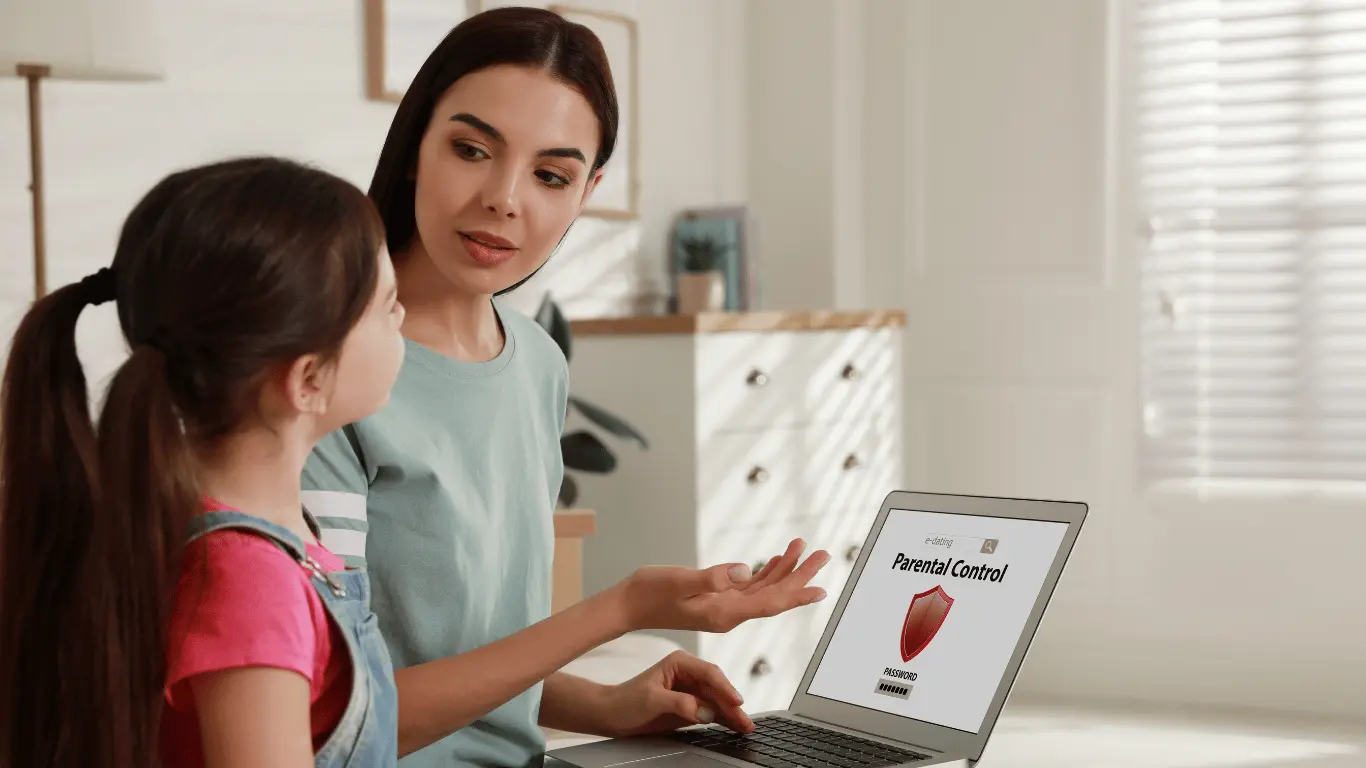
Use a parental control app if you want extra support
We avoided using apps for a while because it felt over the top. Eventually we realised they are just tools. You do not have to monitor everything. They simply give you more clarity and control.
Apps like Family Link, Qustodio or Screen Time help you:
📱 See which apps your child uses most
📱 Limit certain apps without blocking everything
📱 Set downtime hours
📱 Get alerts if something unusual happens
📱 Understand their habits over time
For us, the biggest benefit is seeing when screen time suddenly jumps. It gives us a reason to check in and ask gentle questions rather than wait for a problem.
5. Talk openly about online safety
Parental controls make things safer, yes, but the most important thing is talking with your child. Having conversations early and often means they understand why certain rules exist.
With our daughters we talk about:
📱 What to do if something they see feels wrong
📱 Why some videos or games are not meant for kids
📱 Why privacy matters
📱 What to do if someone messages them
📱 Why their brain needs breaks from screens
These chats turn screen time into a shared responsibility rather than a battle of wills.
Our Final Thoughts
Screens are part of modern childhood and that is not going to change. But with the right settings and conversations, they can be something that supports our children rather than overwhelms them.
You do not need to be tech savvy. You just need a few key settings in place and a willingness to check in with your child. A small bit of setup goes a long way.
Also worth reading: If you’d like ideas on how to support your child’s mental wellbeing. Especially if screen time or online content is a worry, then read our related post 5 Things We’ve Learned To Do When Our Child Shows Signs Of Anxiety.
Did you know?
of children go online regularly
have a mobile phone by age 11
of parents don’t use broadband parental controls
of online children use video-watching sites such as YouTube